Home Office IT Support Northern Beaches
- Northern Beaches
- Specialist Home Office Focus
- Onsite Sydney and Australia-Wide Remote Support
Specialist onsite and remote IT support for Northern Beaches professionals who need reliable devices, connectivity and day-to-day performance.
Get Help Now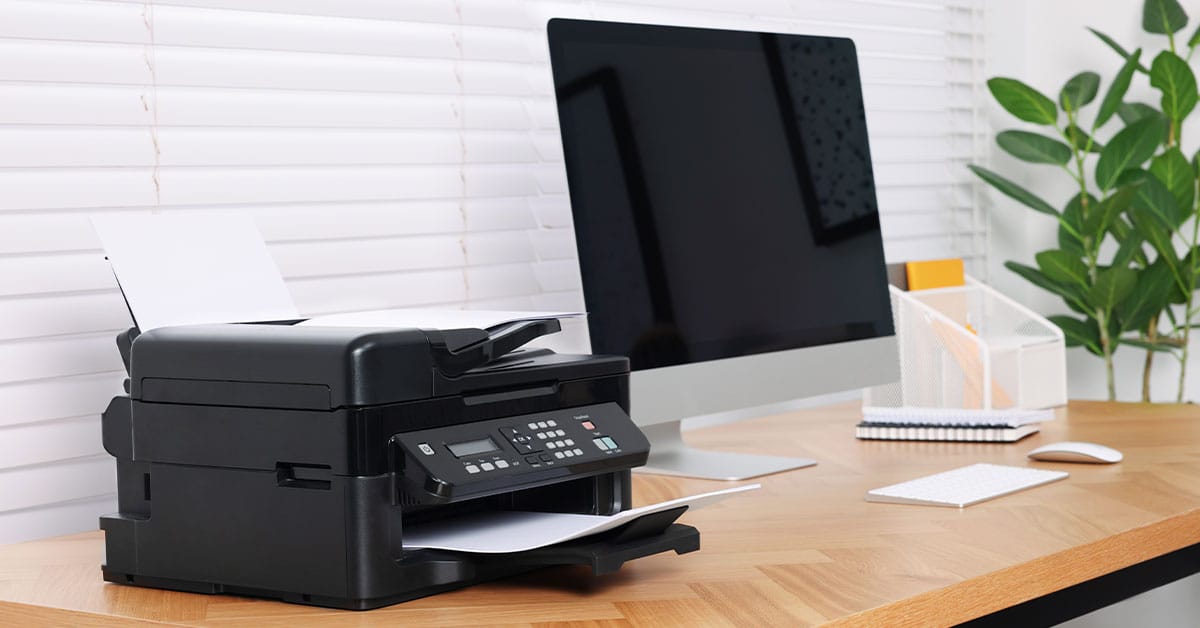
Reliable Technology For Working From Home
A productive home office depends on devices, software, peripherals and connectivity working together without repeated interruptions.
We provide home office IT support across the Northern Beaches for remote employees, consultants, freelancers and home-based business owners.
Each request is assessed according to the workspace, the problem and whether it is best resolved remotely, onsite or through a dedicated improvement project.
Our Home Office IT Support Process
Discuss Your Requirements
We learn about your home office setup, the technology involved and the problems affecting your productivity.
Assess The Best Solution
We determine whether remote assistance, an onsite visit or a more comprehensive service will provide the most effective outcome.
Resolve And Optimise
We diagnose the underlying cause, implement the appropriate solution and ensure your devices and workspace operate reliably together.
Provide Ongoing Support
If your technology needs change over time, we can provide further assistance, upgrades and practical advice to help keep your home office running smoothly.
Home Office IT Services Across The Northern Beaches
Support can address a single fault or several connected problems within the same workspace.
Common requests include:
- Diagnosing recurring device, software and connectivity issues
- Configuring laptops, monitors, docking stations and peripherals
- Resolving printer, scanner and accessory problems
- Improving device integration and everyday usability
- Setting up video meeting and collaboration tools
- Reviewing equipment before an upgrade or replacement
- Providing on-site support where physical testing is required
- Assisting after a move, renovation or workspace change
Some environments need more than general troubleshooting. A new workspace may require a complete Home Office Setup, while persistent connectivity problems may need a dedicated Home Network Setup or Wi-Fi Optimisation.
Common Work From Home Technology Problems
The device showing the problem is not always the cause. Video calls may fail because of wireless coverage, software settings or network congestion. Monitor issues may result from the dock, cable, adapter or laptop specification.
We commonly assist with:
- Video calls that freeze, disconnect or lose sound
- Weak or inconsistent Wi-Fi in the working area
- Slow access to cloud files and online systems
- Monitors or docks that disconnect unexpectedly
- Printers and accessories that work intermittently
- Devices that do not connect or synchronise correctly
- Equipment purchased without confirming compatibility
- Recurring faults that return after temporary fixes
- Setups that are difficult to reconnect or manage
The priority is to identify the underlying cause before recommending changes. This reduces repeated troubleshooting and unnecessary equipment replacement.
When Onsite Support Is The Better Option
Remote support suits many software, account and configuration issues. An on-site appointment is more appropriate when the problem involves the workspace, several connected devices or the home network.
Onsite support may be recommended when:
- Equipment needs to be installed or tested together
- Monitors, docks, cables or peripherals require configuration
- Wi-Fi performance changes between rooms
- The office is positioned away from the router
- A multi-level layout or detached workspace affects coverage
- The workspace is being relocated or redesigned
- Previous remote troubleshooting has not resolved the issue
Reviewing the complete environment makes it easier to assess equipment placement, connections, compatibility and network conditions together. This provides a clearer basis for deciding what should be adjusted, retained or replaced.
Support For Different Home Working Requirements
The right solution depends on the work being completed, the number of devices involved and the impact of downtime.
Remote Employees
Remote employees need dependable access to workplace systems, shared files and online meetings. Support may include device configuration, peripheral setup, connectivity troubleshooting or improvements to an existing workspace.
Hybrid Professionals
Hybrid workers often move equipment between home and another workplace. Their setup should reconnect easily and support consistent workflows across both locations.
Consultants And Freelancers
Independent professionals may use one home office for client meetings, project delivery, administration and file management. Technical interruptions can affect deadlines, customer communication and billable work.
Home-Based Business Owners
A growing home-based business may rely on several devices, users or applications. Compatibility, connectivity and access to ongoing support become more important as the technology environment expands.
Movers And Workspace Upgraders
Moving home, renovating or changing rooms is an opportunity to review equipment placement and connectivity before the workspace is rebuilt. Early planning can prevent cable, coverage and compatibility problems after installation.
Practical Guidance Before Purchasing Equipment
New equipment does not always resolve the underlying issue.
A faster internet plan may not improve weak coverage inside the home. A new monitor may require a compatible dock, cable or laptop specification. Replacing a computer may not solve performance problems caused by software, storage or network conditions.
Before recommending a purchase, we consider:
- The work the equipment must support
- Existing devices and accessories
- Connection and compatibility requirements
- Current performance limitations
- The physical workspace
- Network and Wi-Fi conditions
- Likely future requirements
- Whether an adjustment, upgrade or replacement is appropriate
Where new hardware is required, compatibility can be checked before ordering. This helps avoid unnecessary purchases and equipment that cannot be used as intended.
A Specialist Approach To Home Office IT Support
Home offices sit between household technology and business infrastructure. They need professional reliability without the complexity of systems designed for large corporate workplaces.
Support may include assessment, recommendations, implementation and follow-up assistance. This creates continuity between the advice provided and the way the solution is installed.
The approach focuses on:
- Understanding how the workspace is used
- Identifying connected problems rather than isolated symptoms
- Planning before equipment is purchased
- Checking compatibility across devices and accessories
- Explaining options in practical language
- Supporting long-term reliability and productivity
This differs from basic break-fix support that addresses one device without considering the wider working environment.
What Happens After You Enquire
The first step is a discussion about the issue, the equipment involved and the outcome you need.
The request may then be suited to:
- Remote assistance for software, configuration or account-related issues
- Onsite support when equipment or the physical environment needs inspection
- A dedicated service for a complete setup, network project or Wi-Fi improvement
This qualification process matches the problem with the appropriate level of support without recommending a broader service than necessary.
Service Coverage Across The Northern Beaches
We provide home office IT support throughout the Northern Beaches, helping remote workers, consultants and home-based businesses with on-site assistance across the region.
Representative service areas include:
- Manly
- Dee Why
- Brookvale
- Mona Vale
- Newport
- Avalon Beach
- Narrabeen
- Freshwater
- Collaroy
- Belrose
If your suburb isn’t listed, get in touch. We regularly assist customers throughout the Northern Beaches and nearby areas and can confirm service availability for your location.
Frequently Asked Questions
Choosing the right IT support often raises practical questions about availability, service delivery and what to expect. Here are answers to some of the most common questions from Northern Beaches home office customers.
Do You Provide On-site Home Office IT Support Across The Northern Beaches?
Yes. Onsite support is available across the Northern Beaches, subject to appointment availability and the requirements of the job.
Can You Help With An Existing Home Office?
Yes. Existing workspaces can be assessed for recurring faults, compatibility issues, equipment limitations and usability problems.
Do I Need A Complete Home Office Setup?
Not always. Some customers need help with one defined issue. A broader Home Office Setup service is more suitable when the workspace is new, being relocated or requires several systems to be planned and installed together.
Can You Improve Wi-Fi In My Home Office?
Initial connectivity problems can be investigated during a support request. Persistent coverage, capacity or network design issues may require a dedicated Wi-Fi Optimisation service.
Can You Check Equipment Before I Buy It?
Yes. Proposed laptops, monitors, docking stations, peripherals and network equipment can be reviewed for suitability and compatibility before purchase.
Is Remote Support Available?
Remote assistance is available for suitable software, configuration and troubleshooting issues, as well as follow-up support that does not require physical access.
Can You Help After I Move My Home Office?
Yes. Support can include reconnecting equipment, resolving new connectivity problems and assessing whether the layout or hardware needs adjustment.
What Information Should I Provide When Enquiring?
Include a brief description of the problem, the devices involved, how often it occurs and whether it affects essential work such as meetings, file access or customer communication.