
Home Office IT Support Inner West
- 10+ Years Of IT Infrastructure Experience
- Home-Office Specialist
- Personalised Recommendations
Specialist onsite support for Inner West professionals who need reliable devices, connectivity, and home-office technology.
Get Help Now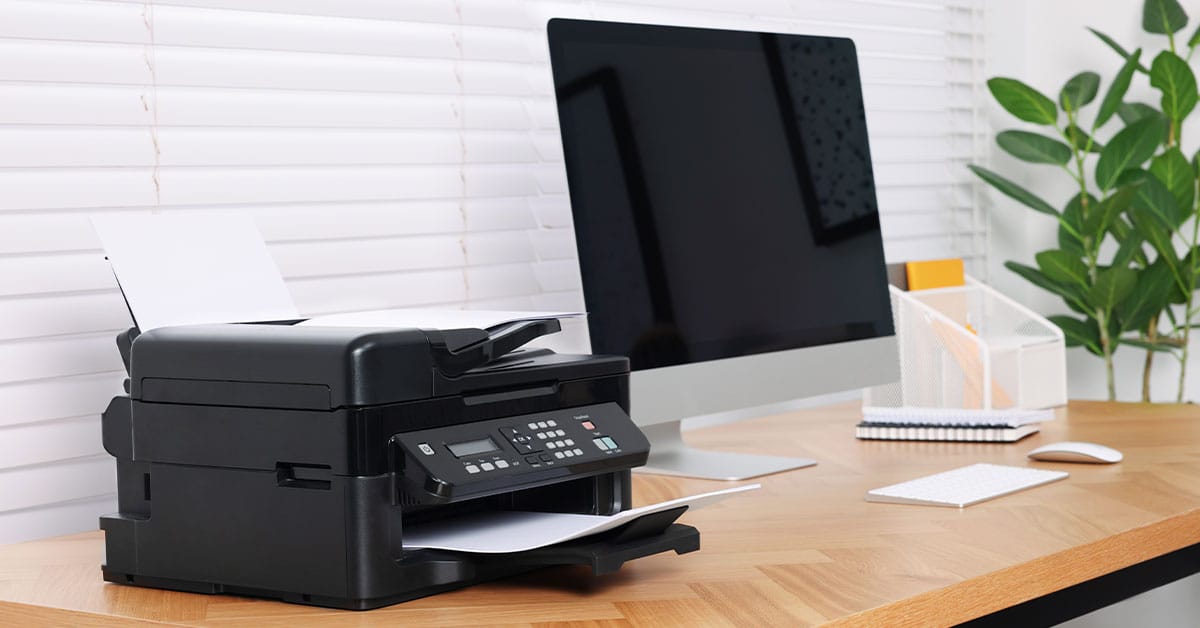
Keep Your Home Office Reliable And Productive
A productive home office depends on more than a working computer. Devices, software, internet connectivity, and Wi-Fi all need to work together reliably.
We provide home office IT support across the Inner West for remote employees, hybrid professionals, consultants, freelancers, and home-based businesses.
Support focuses on identifying the cause of recurring issues, improving reliability, and helping customers make informed technology decisions.
Our Home Office IT Support Process
Understand Your Technology Challenges
We discuss the issues you’re experiencing, your current setup, and how technology problems are affecting your work.
Assess Your Home Office Environment
We assess your devices, software, connectivity, and workspace to identify the underlying cause of recurring issues.
Implement Practical Solutions
We resolve identified problems, configure your technology correctly, and recommend improvements where they provide genuine value.
Provide Ongoing Support
As your technology needs change, we remain available to assist with troubleshooting, upgrades, and continued home office support.
Home Office Support Available Across The Inner West
Home-office problems often involve more than one device. A video call issue, for example, may relate to Wi-Fi, computer performance, software, or connected equipment.
Support may include:
- Diagnosing recurring computer, software, and connectivity issues
- Configuring computers, monitors, docking stations, printers, and accessories
- Resolving device compatibility and integration problems
- Improving day-to-day technology performance
- Setting up productivity and communication applications
- Assessing existing equipment before recommending replacements
- Reconfiguring technology after a move or workspace change
- Providing ongoing technical support as requirements evolve
Every assessment considers the complete working environment rather than treating only the most obvious symptom.
Common Problems Affecting Inner West Home Offices
Technology doesn’t have to fail to affect productivity. Frequent interruptions can disrupt meetings, communication, and everyday work.
Customers commonly seek help when:
- Video meetings freeze, lag, or disconnect
- Wi-Fi performance varies throughout the home
- Computers become slow during routine tasks
- Monitors, webcams, printers, or docks disconnect unexpectedly
- New equipment does not integrate properly
- Software updates or settings create recurring problems
- Temporary DIY fixes stop working
- A new workspace needs technology reconnected and configured
- It is unclear whether equipment should be repaired, upgraded, or replaced
Identifying the underlying cause helps avoid unnecessary purchases and recurring issues.
Support Designed Around The Complete Workspace
General computer repair often focuses on a single device. Home office IT support considers how the entire technology environment affects reliability and productivity.
An assessment may include:
- Computer performance
- Device compatibility
- Software configuration
- Network and Wi-Fi conditions
- Docking, cables, and power connections
- Workspace layout
- Video conferencing requirements
- File and account access
- Future technology needs
This broader approach is especially valuable when several devices work independently but become unreliable together.
When Onsite Support Is The Better Option
Many software and configuration issues can be resolved remotely. Onsite support is often the better choice when equipment, workspace layout, or local connectivity needs to be assessed.
An onsite visit can identify:
- Connection and cabling issues
- Docking station or adapter problems
- Wi-Fi performance within the workspace
- Equipment placement affecting reliability
- Issues involving multiple connected devices
- Workspace changes impacting productivity
Assessing the complete environment allows recommendations to reflect how the technology is actually being used.
More extensive infrastructure work can be completed through Home Network Setup, while persistent wireless performance issues may require dedicated Wi-Fi Optimisation.
Practical Support For Different Ways Of Working
Technology requirements differ depending on how you work and the impact downtime has on your day.
Remote Employees
Reliable access to meetings, workplace systems, and everyday applications.
Hybrid Professionals
Consistent performance when moving between home and office environments.
Consultants And Freelancers
Dependable communication, connected devices, and uninterrupted client work.
Home-Based Business Owners
Technology that supports daily operations and customer communication.
Movers And Workspace Upgraders
Reconnecting, configuring, and reviewing technology when establishing or improving a home office.
Customers planning a complete workspace implementation can use the dedicated Home Office Setup service.
A Planning-First Approach To Technology Decisions
Replacing equipment before identifying the real problem often creates unnecessary cost without improving performance.
Recommendations consider:
- Current work requirements
- Existing technology
- Device compatibility
- Connectivity needs
- Upgrade priorities
- Long-term reliability
- Whether on-site or remote support is most appropriate
This approach helps customers invest in technology that suits their workspace rather than purchasing equipment that may not address the underlying issue.
Ongoing Support As Your Workspace Evolves
Technology requirements change over time as equipment is replaced, software evolves, or work arrangements shift.
Ongoing support can include:
- Troubleshooting new issues
- Configuring replacement equipment
- Technology reviews
- Upgrade guidance
- Assistance after workspace changes
- Continued support across connected devices
This provides continuity and reduces the need to start from scratch whenever support is required.
Service Coverage Across Sydney’s Inner West
We provide home office IT support throughout Sydney’s Inner West, helping remote workers, professionals, and home-based businesses keep their technology reliable and productive with on-site assistance across the region.
Representative service areas include:
- Ashfield
- Balmain
- Burwood
- Drummoyne
- Five Dock
- Haberfield
- Leichhardt
- Marrickville
- Newtown
- Petersham
- Rozelle
- Summer Hill
If your suburb isn’t listed, get in touch. We regularly assist customers throughout the Inner West and nearby areas and can confirm service availability for your location.
Frequently Asked Questions
Find answers to common questions about home office IT support in the Inner West, including on-site assistance, equipment, remote support, and ongoing services.
Do You Provide On-site Home Office IT Support Across The Inner West?
Yes. Onsite support is available throughout the Inner West, subject to appointment availability.
Can You Help If I Don’t Know What’s Causing The Problem?
Yes. Simply describe the symptoms and how they affect your work. Diagnosis is part of the service.
Can You Work With My Existing Equipment?
Yes. Existing computers, monitors, docks, networking equipment, and accessories can be assessed before replacement is recommended.
Can You Help Before I Buy New Equipment?
Yes. Equipment can be reviewed for suitability and compatibility before you make a purchase.
Do You Support Both Computer And Connectivity Problems?
Yes. The assessment determines whether the issue relates to the computer, software, accessories, Wi-Fi, or the wider network. Larger infrastructure projects are handled through the relevant specialist service.
Is Remote Support Available?
Yes. Remote support is suitable for many software, configuration, and account-related issues.
Do You Offer Ongoing Home Office Support?
Yes. Ongoing support is available for troubleshooting, technology reviews, and upgrade guidance.
Is This Different From General Computer Repair?
Yes. Home office IT support focuses on the complete working environment, including devices, software, connectivity, compatibility, and productivity.